- Amazon
- Flipkart
- Meesho
- Amazon Seller FlexNew
- Merge PDF
- IndiaMart CRM
- Other tools
PDF Tools
Barcode & Image
- Login

25-09-2026 · Quick Cropper
A wrong invoice in the box confuses customers and can lead to returns. With Seller Flex, the risk comes from pairing labels and invoices by hand. Quick Cropper's Amazon Seller Flex label crop removes the guesswork.
The invoice PDF is not in the same order as the labels.
A two-page invoice throws off manual counting.
One missing invoice shifts every pair after it.
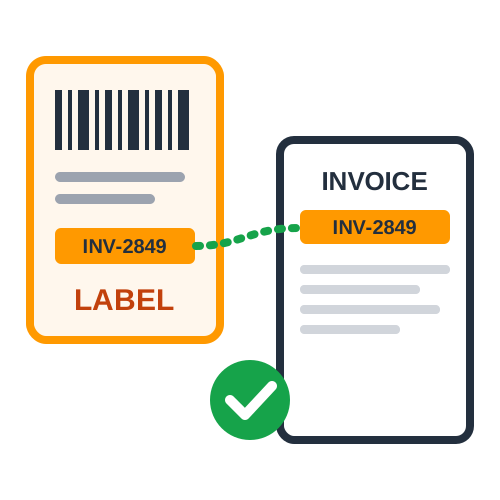
Each label is matched by its invoice number, not by position. Unmatched labels and invoices are shown in a report and placed at the end of the PDF.
An unmatched label usually means an invoice was not included in the upload. Download the missing invoice and run the batch again.
Match by invoice number and read the report - two simple habits that keep the right invoice in every Seller Flex box.
Last Updated: 23-09-2026







