- Amazon
- Flipkart
- Meesho
- Amazon Seller FlexNew
- Merge PDF
- IndiaMart CRM
- Other tools
PDF Tools
Barcode & Image
- Login

21-09-2026 · Quick Cropper
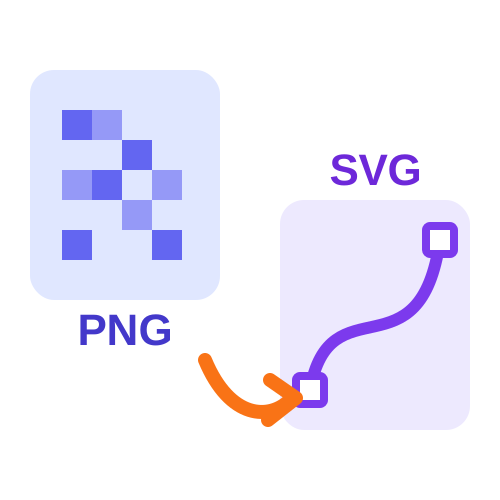
Vectorizing means tracing an image and redrawing it as shapes. The result is an SVG that you can resize, recolour and edit. Quick Cropper's PNG to SVG converter vectorizes JPG, PNG and WEBP images in your browser.
Flat colours and clear edges trace almost perfectly.
Signatures, stamps and drawings work best in black & white mode.
Cartoons and clip art with a limited palette give tidy results.
Photos are the exception - they contain too many shades to become a neat vector.
Add a JPG, PNG or WEBP image.
Colour for artwork with several colours, black & white for single-colour designs.
Set colours, detail and smoothing, and compare the preview with the original.
Save the SVG or copy its code into your project.
Pick images with clear shapes, choose the right mode, and you will have a clean vector in seconds with the PNG to SVG converter.
Last Updated: 23-09-2026







