- Amazon
- Flipkart
- Meesho
- Amazon Seller FlexNew
- Shipping Label GeneratorShipping LabelNew
- IndiaMart CRM
- Other tools
- Login

28-09-2026 · Quick Cropper
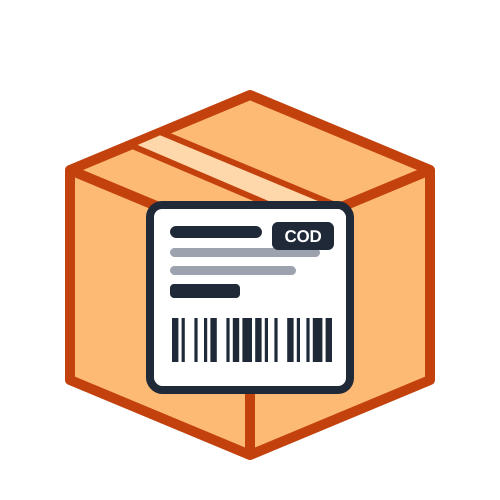
Every seller who prints shipping labels faces the same question sooner or later: buy a thermal printer for 4x6 labels, or keep using A4 paper on a normal printer? Both work well, but they suit different volumes and budgets. Here the two options are compared side by side, so you can decide which is right for quick printing in your business. The Quick Cropper Shipping Label Generator supports both.
A 4x6 inch label (about 100 × 150 mm) is the standard size for most courier labels. Direct thermal printers print it with heat, so there is no ink or toner to buy. Labels come on a roll with adhesive backing: the printer prints one label per page and you peel it off and stick it on the box. A good thermal printer prints each label in about a second.
With A4 paper, several labels are printed on one sheet using any home or office printer. The tool offers 4 labels per page for standard parcels or 2 larger labels per page. After printing, you cut the labels apart and fix them to the parcel with clear tape or glue, or use A4 sticker sheets to skip the taping.
A4 uses the printer you already have; a thermal printer is an extra purchase.
Thermal printing needs only label rolls; A4 printing needs paper plus ink or toner.
Plain A4 labels need tape; sticker sheets cost more than plain paper.
The more parcels you ship each day, the more a thermal printer saves over time.
Thermal labels are faster from start to finish: print, peel and stick. A4 labels take extra steps for cutting and taping, which adds up on busy days. For a handful of orders a week, the difference is small, but at dozens of orders a day, thermal printing can save a lot of time at the packing table.
If you are just starting out or ship only a few parcels a week, A4 paper is the practical choice - no new equipment and no learning curve. If you ship every day, or your volume is growing quickly, a 4x6 thermal printer usually pays for itself in time and supplies. Many sellers start with A4 and switch once orders become regular.
Whichever you use, print at 100% or actual size, never fit to page, so the barcode keeps its size. For thermal printers, set the paper size to 4x6 inches in the printer driver and run label calibration after loading a new roll. For A4, check that the printer is not adding large margins and that the labels line up with the cut lines.
Some sellers use smaller 4x4 or 3x5 inch thermal labels for light parcels and courier bags. These sizes use less material and fit small packages better, but they have less room for extra details such as contents or a long return address. The tool automatically fits the text to the label size you choose and warns you if some details had to be shortened, so you can pick a bigger label if you need everything printed.
If you decide to move from A4 to thermal printing, buy a printer that works with your computer and accepts standard 4x6 label rolls, and keep one or two spare rolls in stock. Print a few test labels, scan the barcodes and check the margins before your first busy day. Once the setup is done, daily printing becomes a quick, one-click job.
Neither option is wrong: A4 is cheap and simple to start with, while 4x6 thermal labels win on speed and running cost as you grow. Quick Cropper prints the same clear layout on both, so you can switch at any time without changing your label layout or your workflow.
Last Updated: 23-09-2026