- Amazon
- Flipkart
- Meesho
- Amazon Seller FlexNew
- Shipping Label GeneratorShipping LabelNew
- IndiaMart CRM
- Other tools
- Login

27-09-2026 · Quick Cropper
Clear price tags help customers shop with confidence and save your staff from answering the same question again and again. You don't need design software or a special printer to make them. This quick guide shows how to make price tags for your shop online in minutes with the free Quick Cropper Price Tag Maker.
Start with the essentials: the product name, the MRP with the rupee symbol and, if the product is on offer, the selling price. Add a size, colour or weight when you sell the same product in several variants, and a barcode if you scan products at the counter. Adding your shop name at the top gives every tag a consistent, branded look.
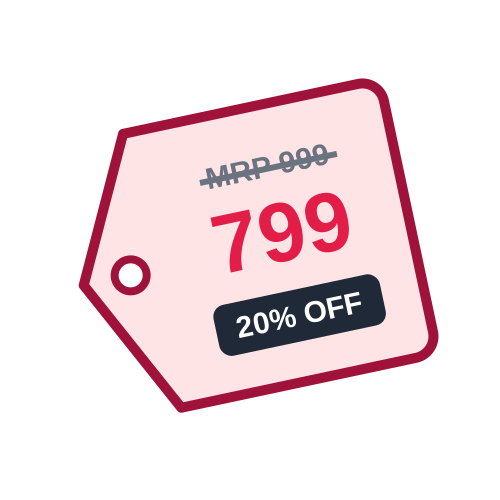
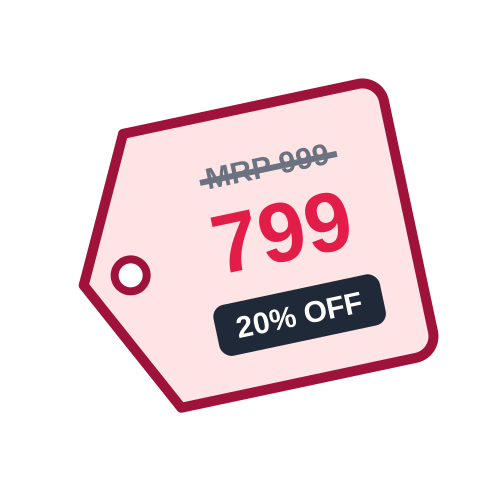
The product name, a large price, the struck-through MRP and a black % OFF badge.
A red band with SALE and the discount, and the price in red for offers.
A simple MRP sticker with just the key details, ideal for small labels.
Most shops use Classic for everyday pricing and switch to Sale during festival offers.
Look at the sticker sheets you already have. Common A4 sheets hold 65, 40, 24, 21 or 12 labels, and thermal label printers often use 50 × 25 mm or 75 × 50 mm rolls. Small labels suit price-only stickers, while larger ones leave room for the name, size and barcode. Select the matching layout and the tags line up with your stickers automatically.
For a single product, fill in the form and set the number of tags you need. For a full shelf or a new delivery, upload an Excel or CSV list with one product per row, or paste the rows from a spreadsheet. Each product can have its own quantity, and the tool puts every tag on the sheet in order. Step through the preview to check each product before printing.
Download the PDF and print it at 100% or actual size - never fit to page - so the tags land on the stickers. Print a test page on plain paper first and hold it against a sticker sheet to check the alignment. Stick tags in the same place on every product, such as the top right corner, so customers always know where to look.
Prices change with new stock, supplier costs and sales. Keep your product list in one spreadsheet and update it whenever a price changes, then reprint only the tags you need. Remove old tags completely before adding new ones, so customers never see two prices on the same item. A tidy, up-to-date price on every product avoids arguments at the counter and builds trust.
Price new stock once a week instead of every day.
Always have a pack of sticker sheets ready for sudden price changes.
Short product names print larger and are easier to read.
Show everyone where tags go and how to spot an old price.
If your shop uses a barcode scanner at the counter, add a barcode to each tag. Use your own SKU codes with Code 128, or the product's EAN-13 number for packaged goods. Billing becomes faster, typing mistakes disappear and your stock records stay accurate. The barcode prints under the price, and the tool warns you if a label is too small for the bars to scan well.
Making price tags online takes only a few minutes: decide what to print, pick a style and size, add your products and print. Quick Cropper's free price tag maker handles the layout and the discount for you, so every product in your shop has a clear, consistent tag.
Last Updated: 23-09-2026